Using Send Files To TV On A Tablet: Sender, Receiver, And Big Screen Bridge
Use Send Files To TV on an Android tablet as a sender, a receiver, and a bridge to the TV, with setup and workflow tips for larger screens.
Tablets sit between phones and TVs, and a transfer app makes them the most flexible device in the house. A tablet can send its own photos to the TV, receive files from a phone for editing or reading, and act as the staging post for whole libraries.
This guide covers all three roles with the Send Files To TV app, so your tablet stops being the device files skip on their way somewhere else.
The Tablet As A Sender
Sending from a tablet works exactly as it does from a phone, with one advantage: choosing files is easier on the bigger screen. Albums, documents, and downloads are simpler to review before sending, which means fewer wrong files arriving on the TV.
For family media, the tablet often holds the shared copy of photos and videos. Sending from it directly removes the phone from the chain entirely. In practice, Send Files To TV keeps this step simple because the same controls appear on phones, tablets, and TVs.
The Tablet As A Receiver
Receiving on a tablet suits reading and reviewing. Send documents, ebooks, and photo sets from your phone, then read them at a comfortable size. The supported devices guide shows which device families this workflow covers, and tablets pair with all of them.
Keep a tidy received folder habit on the tablet, because it accumulates files from every direction. A weekly sort into albums and document folders keeps the staging post from becoming a junk drawer. This is where Send Files To TV earns its place in a home setup, since the routine stays identical on every Android screen.
The Tablet As A Bridge To The TV
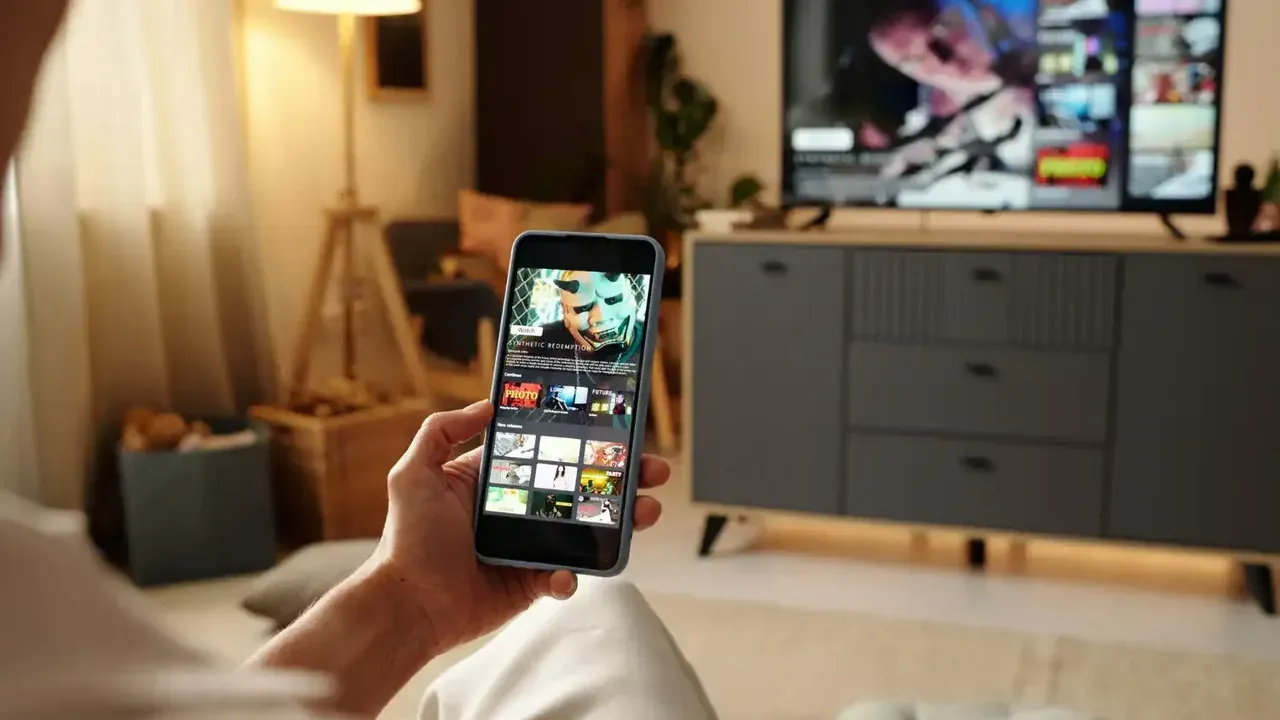
A common pattern is phone to tablet to TV. The phone captures, the tablet collects and organises, and the TV displays. Each hop is a normal transfer, and the tablet copy doubles as a backup of everything the family shares.
Our Smart TV sharing guide covers the TV end of that chain. Once the tablet and TV pairing is familiar, the bridge routine runs itself: gather on the tablet during the week, send to the TV when everyone is ready to watch. Regular Send Files To TV users fold this check into their normal routine and rarely think about it afterwards.
Tablet Specific Tips
Tablets often live on a desk or a kitchen counter, closer to the router than a phone in a pocket, which quietly makes them fast senders. They also tend to have larger storage than the family TV, so they are the right place to keep the master copies.
If the tablet is shared by children, use its own user profile or a folder lock for private files. A staging device everyone touches deserves the same light privacy habits as any shared screen. Send Files To TV handles the technical side in the background, so your attention stays on the files themselves.
Frequently Asked Questions
Conclusion
A tablet with a transfer app is the connective tissue of a home media setup: part sender, part receiver, part library.
Give it the organiser role and files stop scattering across devices. Everything gathers in one place, and the TV is always one send away.