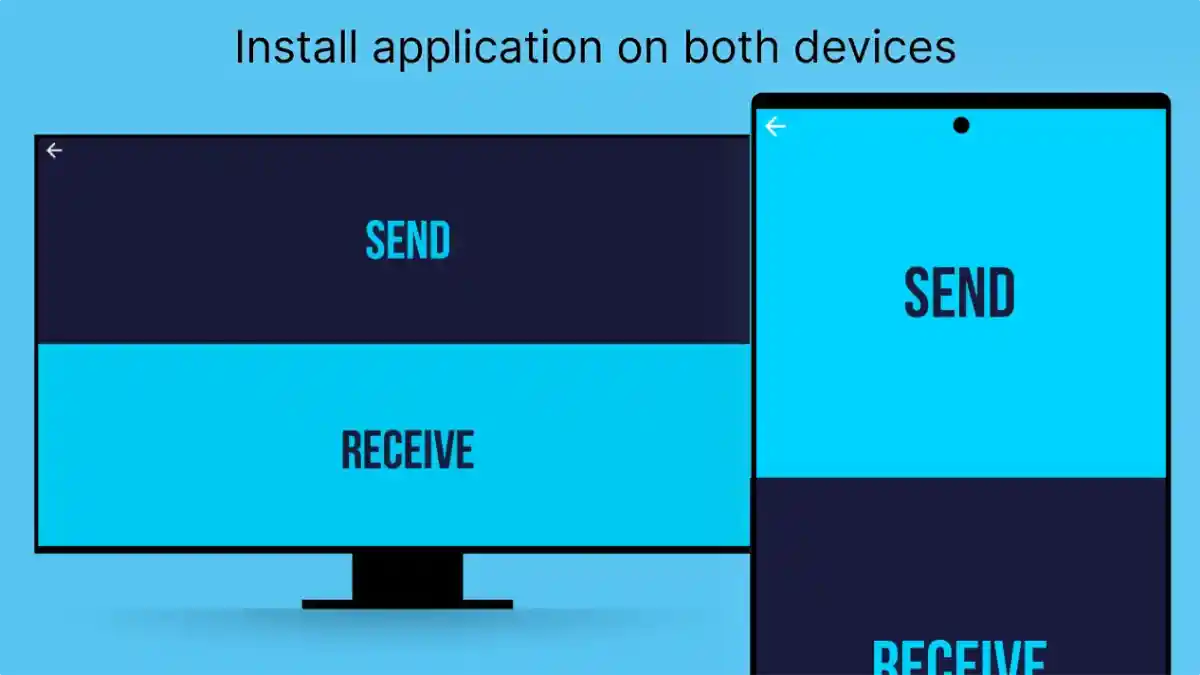
Send Files To TV Permissions
Learn about Send Files To TV permissions, storage access, device communication, file sharing requirements, and safe application usage practices.
Mobile applications require certain permissions to perform their intended functions. File transfer applications especially need access to device storage and communication features because their primary purpose is moving digital content between connected devices.
Send Files To TV APK uses permissions related to file management and device communication to provide a smooth transfer experience between smartphones, Android TV devices, and other compatible platforms.
Understanding permissions helps users know:
- Why access is required
- How file transfer works
- What users should review
- How to maintain privacy
Users who want to understand the complete application can explore Send Files To TV APK.
Why File Transfer Apps Need Permissions
A file-sharing application cannot perform its main functions without access to certain device features.
Permissions help the application interact with:
- Stored files
- Device storage
- Network communication
- Connected devices
Without appropriate access, users may not be able to select files or complete transfers.
Storage Permission And File Access
Storage access is one of the most important permissions for file transfer applications.
This permission allows users to:
Select Files For Transfer
The application needs access to available files so users can choose what they want to send.
Examples include:
- Videos
- Images
- APK files
- Documents
Receive Incoming Files
The receiving device needs permission to store transferred content.
Without storage access, files may not save correctly.
Manage Digital Content
Storage access helps users organize and move files between devices more efficiently.
Device Communication Permission
File transfer requires communication between sending and receiving devices.
Communication permissions help with:
- Finding available devices
- Creating connections
- Maintaining transfer sessions
This allows smartphones and TV devices to exchange information during the sharing process.
Network Access And File Transfer
Wireless file sharing depends on communication between devices.
Network-related access helps the application:
Detect Connected Devices
The application needs to identify available transfer targets.
Maintain Communication
Stable communication helps complete transfers successfully.
Improve Transfer Reliability
Proper connection access reduces transfer interruptions.
Understanding Permission Requests
Users should understand permissions before allowing access.
A good practice is checking:
What Permission Is Requested
Users should know what access the application requires.
Why It Is Needed
Permissions should have a clear connection with the application's purpose.
Device Privacy Settings
Users can review and manage permissions through device settings.
Safe Permission Management
Responsible permission management helps create a better digital experience.
Users should:
Allow Necessary Access
Only required permissions should be enabled.
Review Application Settings
Users can check permissions whenever needed.
Maintain Device Security
Keeping devices updated improves overall protection.
Permissions And APK Transfer
APK file movement requires access to files stored on Android devices.
When transferring APK files, users should consider:
- File location
- Storage availability
- Device compatibility
APK transfer is one of the common uses of Send Files To TV.
Users interested in APK sharing can explore Send Files To TV Transfer APK Files.
Android TV Permissions
Android TV devices may require access for receiving transferred content.
Important areas include:
Storage Availability
The TV device needs enough space for incoming files.
Application Compatibility
Transferred applications should match the device environment.
System Settings
Users may need to review TV settings related to file access.
Common Permission Problems
Users may face issues when permissions are not configured correctly.
Files Cannot Be Selected
Possible causes:
- Storage access not allowed
- File location issues
Solution:
- Review application permissions
- Check file availability
Transfer Cannot Complete
Possible reasons:
- Storage limitations
- Communication restrictions
- Device settings
Solutions:
- Check available space
- Review connection settings
- Try again
Improving Permission Experience
Users can improve application performance by maintaining proper settings.
Helpful practices include:
Keep Applications Updated
Updated versions may improve compatibility with newer operating systems.
Maintain Device Storage
Enough storage supports smoother transfers.
Review Settings Regularly
Checking permissions helps users maintain control.
Privacy And User Control
Permissions are closely connected with privacy because they determine how applications interact with device features.
Users should maintain awareness by:
- Understanding access requests
- Managing permissions carefully
- Using trusted devices
Responsible permission management creates a safer digital environment.
Frequently Asked Questions
Conclusion
Send Files To TV permissions allow the application to manage files and communicate between connected devices effectively.
Understanding storage access, device communication, and privacy settings helps users create a smoother and safer file-sharing experience.
By managing permissions responsibly, users can enjoy convenient wireless transfer while maintaining better control over their digital content.