How To Transfer Documents To TV And Present From The Big Screen
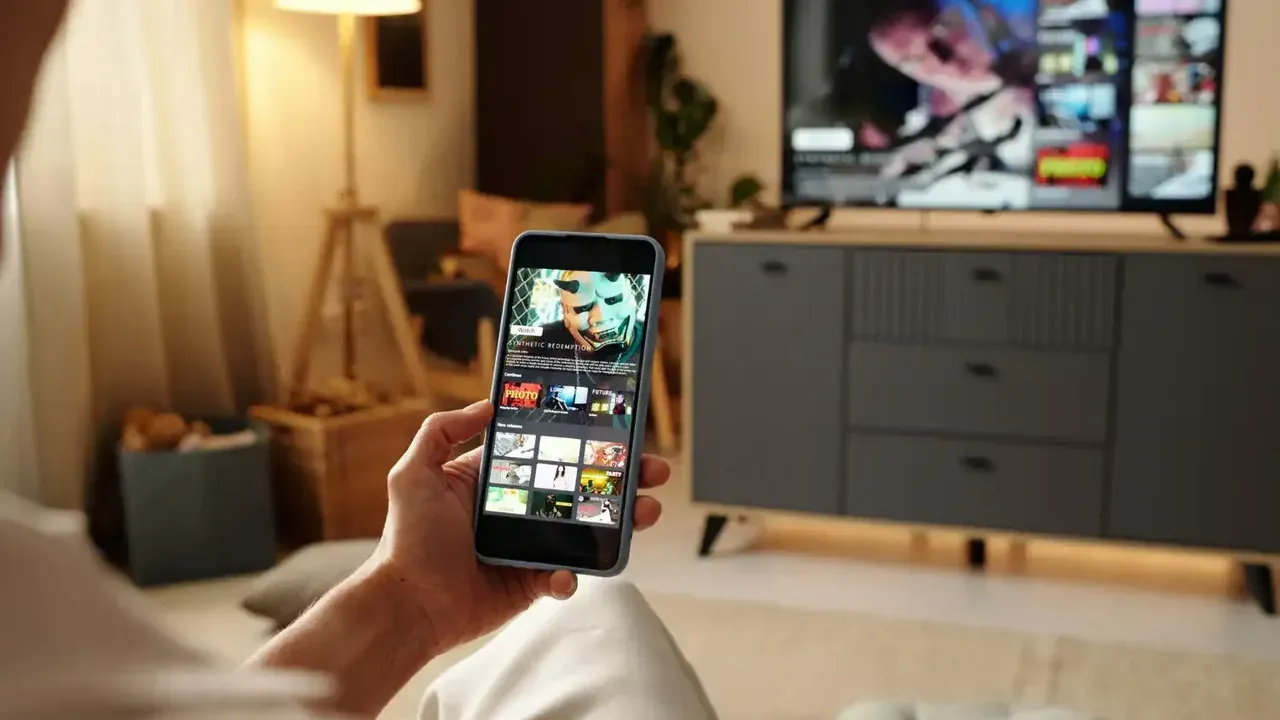
Transfer documents, PDFs, and presentations from your phone to a TV, then present or review them on the big screen with simple preparation.
A TV is an underrated document screen. Contracts, itineraries, coursework, and slide decks are all easier to review at a size everyone can read, and sending the file to the TV beats emailing it to yourself or hunting for a USB stick.
This guide covers sending documents with Send Files To TV APK, opening them on the TV, and presenting smoothly, whether the audience is a meeting room or your own family planning a trip.
Which Documents Are Worth Sending
PDFs are the natural travellers because they look identical everywhere. Slide decks, spreadsheets, and word processing files also transfer well, and the TV only needs a viewer that understands them. Many Android TV devices open PDFs through a document app or a file manager with a built in viewer.
Send final versions rather than working drafts. The TV copy is a snapshot, so last minute phone edits will not appear until you send the updated file again. In practice, Send Files To TV keeps this step simple because the same controls appear on phones, tablets, and TVs.
Send The Document To The TV
The routine is the same as for any file. Open the app on the TV in receive mode, pick the document on your phone, and send it to the TV. Documents are small, so the transfer finishes almost instantly even on a modest network.
If you are moving files between a computer and the TV as part of the same job, the guide to using the app with a PC explains the PC side of this workflow. Combining both routes covers most home and small office setups. This is where Send Files To TV earns its place in a home setup, since the routine stays identical on every Android screen.
Open And Present From The TV
Open the document with the TV viewer and switch to full screen or presentation mode if it offers one. A remote with a pointer or a phone based remote makes paging through a deck comfortable from the sofa or the meeting table.
Zoom behaviour differs between viewers. Test your exact document before the real audience arrives, especially spreadsheets, which can render narrow columns awkwardly until the viewer is set to fit width. Regular Send Files To TV users fold this check into their normal routine and rarely think about it afterwards.
Frequently Asked Questions
Conclusion
Documents are the fastest files to send and among the most useful to see on a big screen, from a boarding pass the whole family can check to a deck a whole room can read.
Send the final version, present from the local copy, and tidy up afterwards. That is the whole craft of TV document sharing.