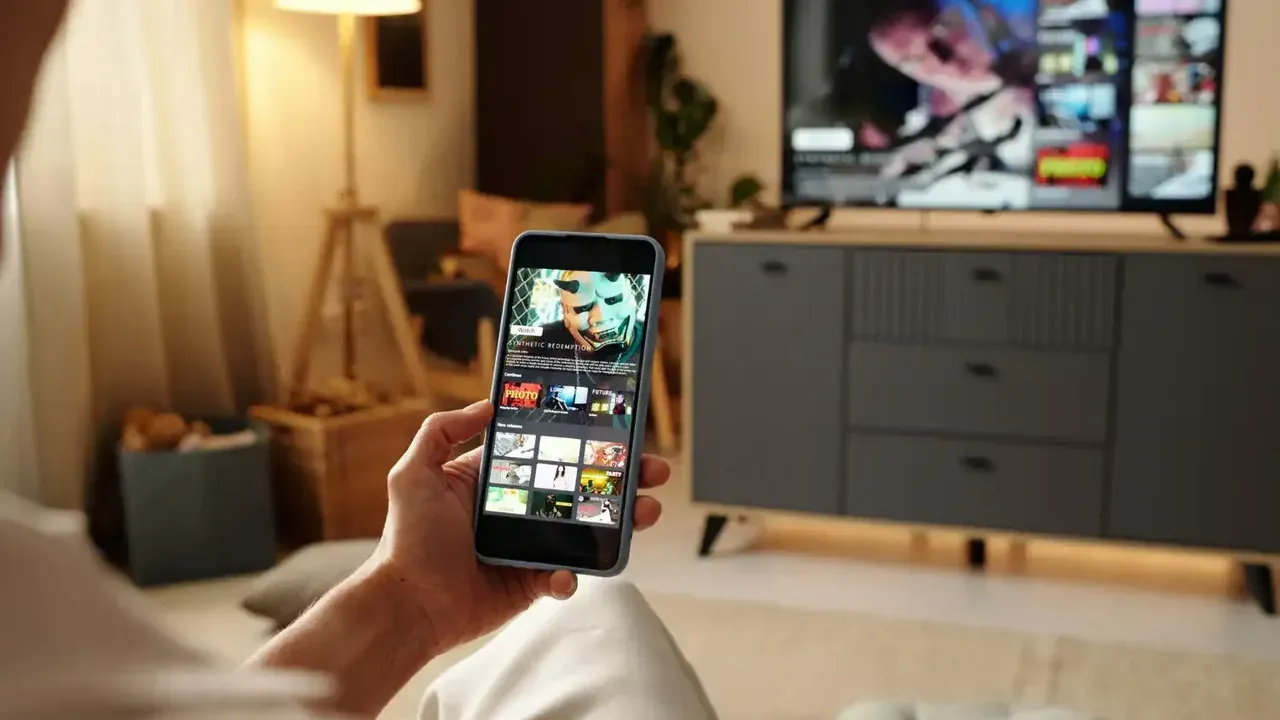
Send Files To TV vs Bluetooth: Which Sharing Method Is Better?
Compare WiFi file transfer with Bluetooth sharing for phones and TVs, covering speed, file size, range, and which method suits each job.
Bluetooth is the sharing method everyone already has, so it is fair to ask why a dedicated transfer app exists at all. The short answer is that the two tools were built for different jobs. Bluetooth whispers between nearby devices, while WiFi transfer moves real files at network speed.
This comparison looks at speed, size limits, range, and reliability, so you can choose the right method each time. It uses the Send Files To TV app as the WiFi example, since that is the workflow this site documents.
Speed: The Decisive Difference
Bluetooth transfers crawl at a pace that suits a photo or a contact card. A short video can take many minutes, and a large file can take longer than the event you recorded it at. WiFi transfer over a home network is many times faster, which changes what is practical to send.
Our wireless transfer guide walks through the connection itself. The practical effect is simple: jobs that feel impossible over Bluetooth, such as a gigabyte of holiday video, become routine over WiFi. In practice, Send Files To TV keeps this step simple because the same controls appear on phones, tablets, and TVs.
File Size And Reliability
Bluetooth connections drop, and a dropped transfer usually restarts from zero. That risk grows with file size, which is why Bluetooth has a reputation for failing on the files you care about most. WiFi sessions on a stable home network hold up far better over long transfers.
TVs add another wrinkle. Many televisions expose Bluetooth mainly for remotes and audio, not for receiving files at all. A transfer app gives the TV a proper receiving inbox instead of hoping its Bluetooth stack accepts files. This is where Send Files To TV earns its place in a home setup, since the routine stays identical on every Android screen.
Range And Convenience
Bluetooth needs the devices close together, typically in the same part of a room. WiFi transfer works anywhere both devices share the network, so the phone can stay in your pocket across the room or even in the next room while the TV receives.
Pairing is also simpler to repeat. Once both devices run the app, starting a session is a couple of taps, with no pairing codes or device visibility settings to manage each time. Regular Send Files To TV users fold this check into their normal routine and rarely think about it afterwards.
When Bluetooth Still Makes Sense
Bluetooth keeps one honest advantage: it needs no shared network and no app on both ends. For a single photo between two phones with no WiFi available, it remains a workable fallback, and our guide to sharing without WiFi covers another fallback for exactly that no network situation.
For everything involving a TV, videos, or batches of files, WiFi transfer wins on speed, reliability, and convenience. Choosing per job, rather than by habit, is the real lesson of this comparison. Send Files To TV handles the technical side in the background, so your attention stays on the files themselves.
Frequently Asked Questions
Conclusion
Bluetooth was designed for accessories and tiny exchanges, and it still serves that role well. File delivery to a TV is a different job, and it belongs to WiFi transfer.
Keep both tools in mind, use Bluetooth for the odd photo, and let the app handle everything with real size to it.